
Cargo Optimizer Professional
Load options | |
 | |
|
| |
 | |
|
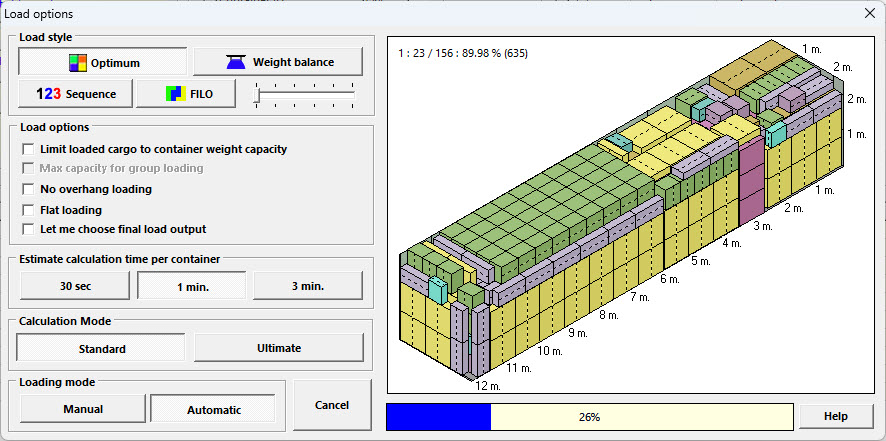
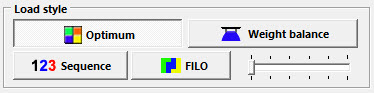
With automatic mode User can define load style | |
 | |
|
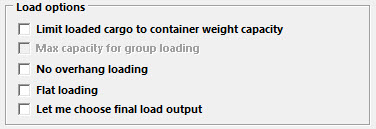
limit loaded cargo to container weight capacity to limit number of loaded cargo to not exceed container weight capacity, working only with automatic loading mode. | |
 | |
|
User can define Estimate calculation time, working only with automatic loading mode. | |
 | |
|
User can define Calculation mode between Standard and Optimum mode, Ultimate mode will not use with some load option (for sample Overhang loading) and Ultimate mode will use more calculation time. | |
 | |
|
User can choose loading mode between Automatic (calculate by software) and Manual (design by yourself). | |
 | |
|
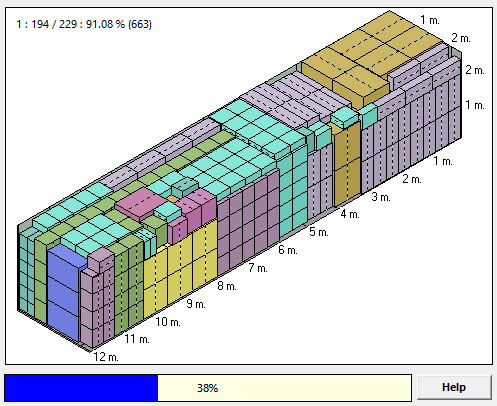
While calculating in automatic mode, software will show current maximum loading efficiency. | |
| Top |