Cargo Optimizer Professional handles regularly shaped containers such as ocean containers, trucks and Pallet. it offers several advanced options such as:
- Multiple container sizes per shipment (no limit)
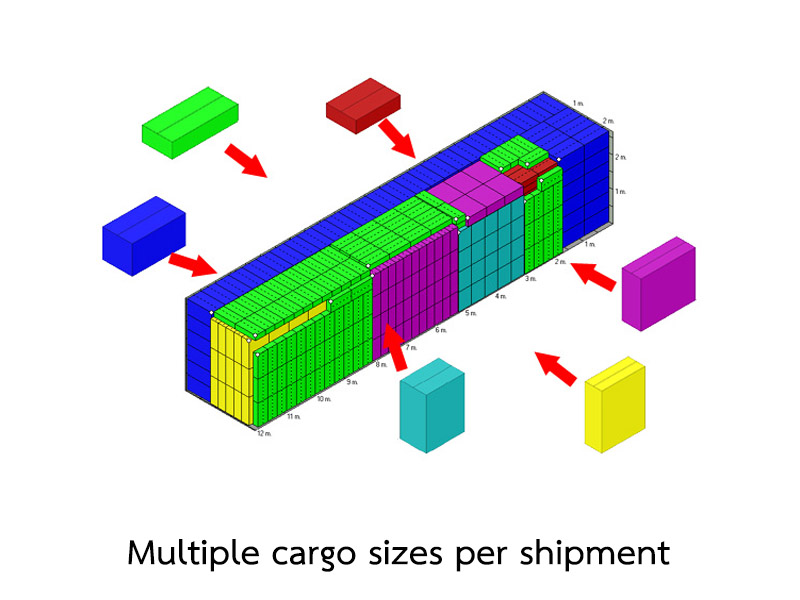
- Multiple cargo sizes per shipment (limit to 100 sizes)
- Calculate costing and cost per package being shipped
- Support to interlock load pattern
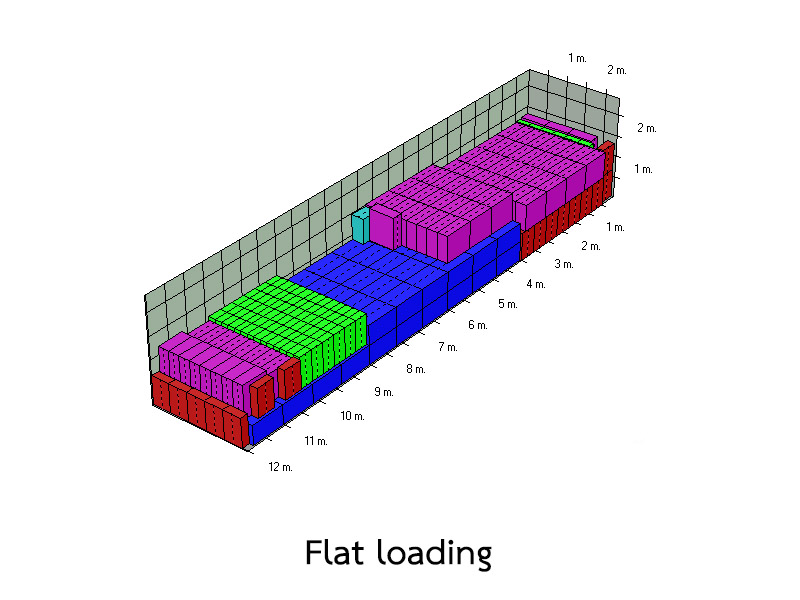
- Flat loading
- 3D View (360 degree rotation)
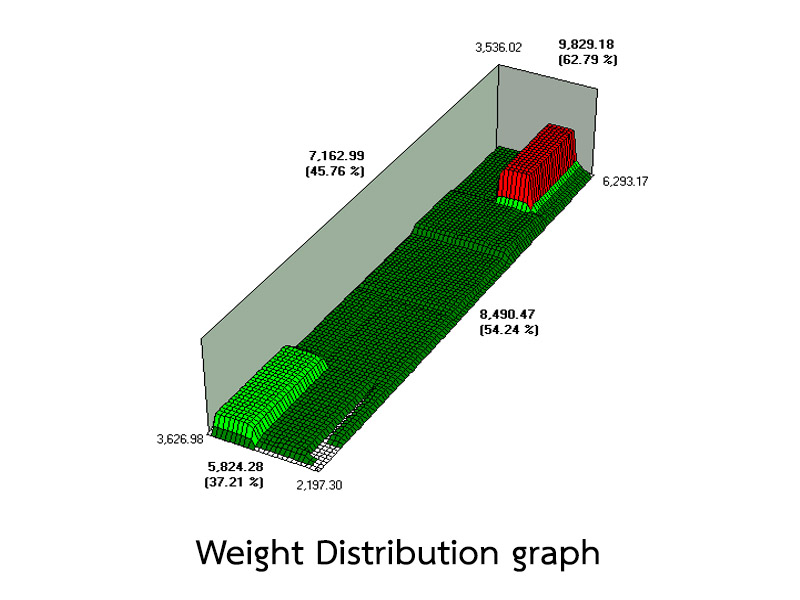
- Weight distribution graph
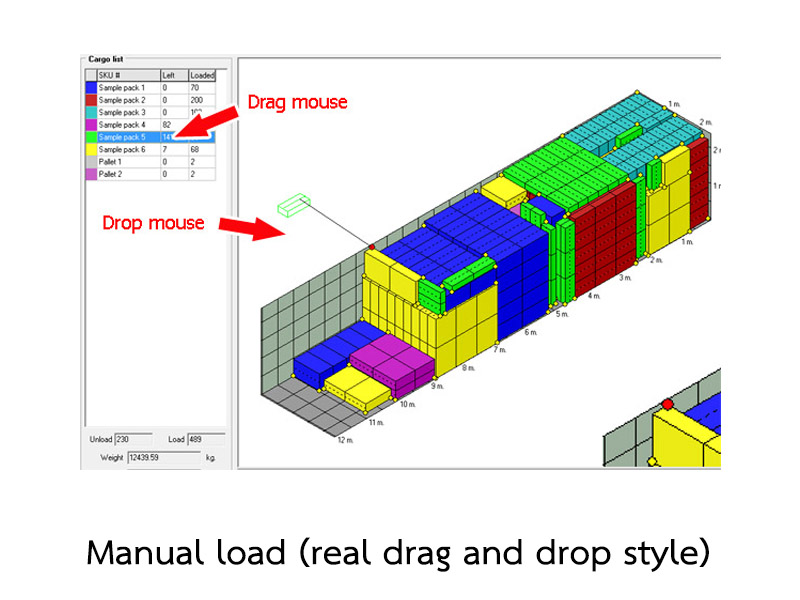
- Manual load (drag and drop)
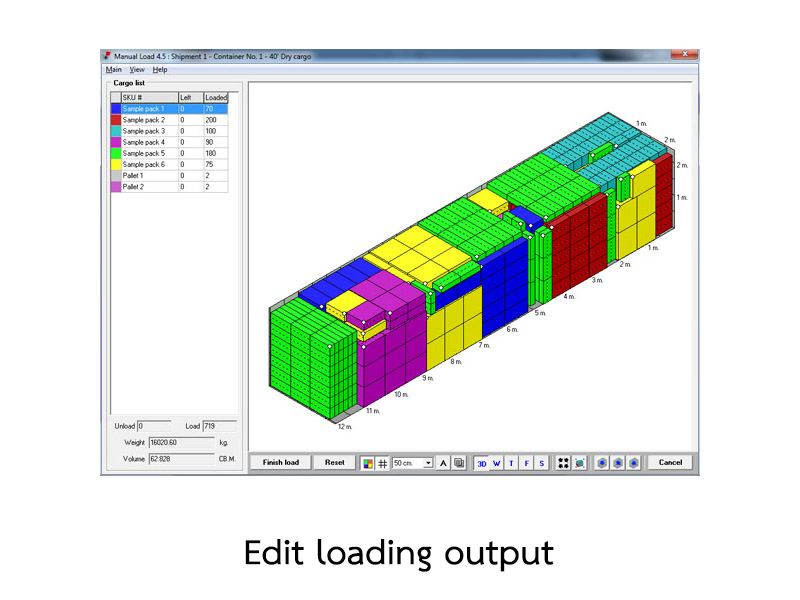
- Edit loaded container
- FILO (First In Last Out) loading style
- Ultimate mode calculation
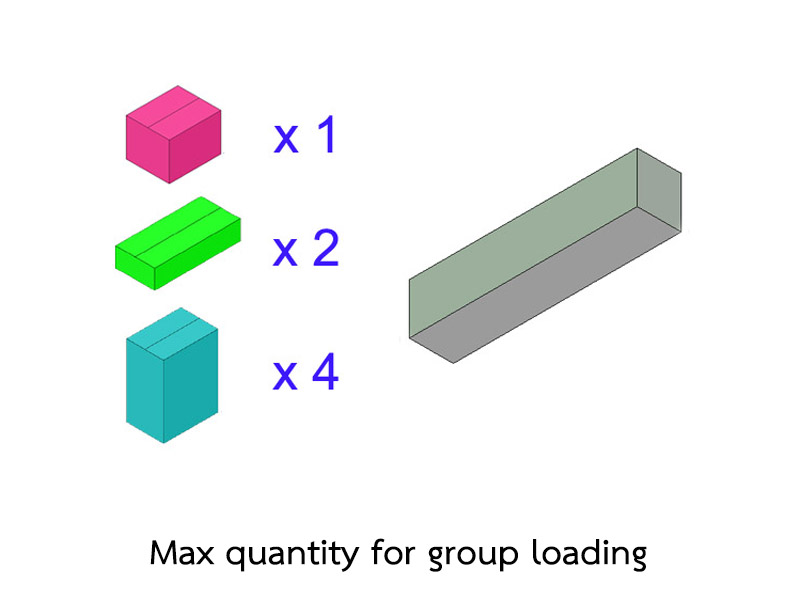
- Carton Designer module - Group loading (Find maximum quantity of set to full container)
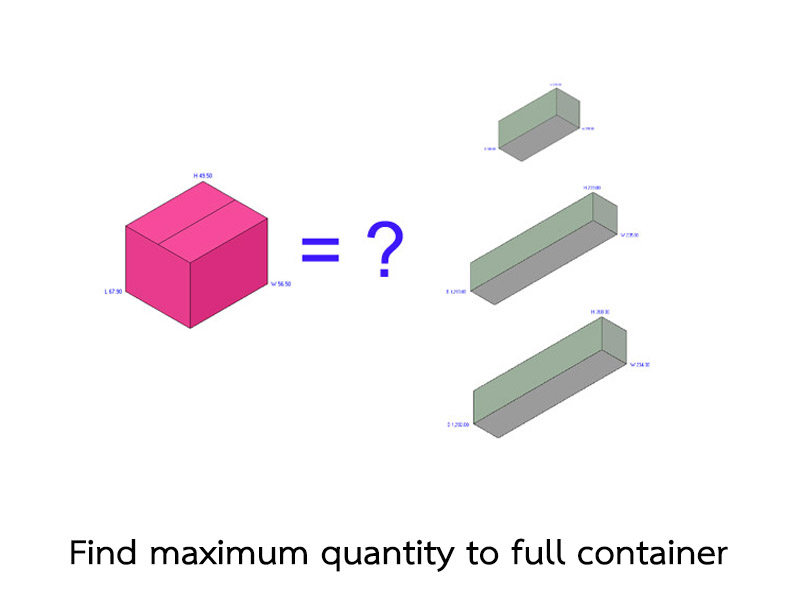
- Find maximum quantity to full container
|
Ultimate mode calculation |

|
|
Ultimate mode is special calculation mode by push all loaded cargo inside and recalculate on new available space.
It can make more load efficiency in some loading case.
|
|
| Top |
Manual load (drag and drop) |
 |
|
New style manual load with drag and drop. It's very easy to design and edit any load style as you need.
|
|

|
|
Options to help you manage your loading style as you need.
|
|

|
|

|
|
| Top |
Flat loading |
 |
|
Flat load option to set load style as flat loading. Best result for not full container loading.
|
|
| Top |
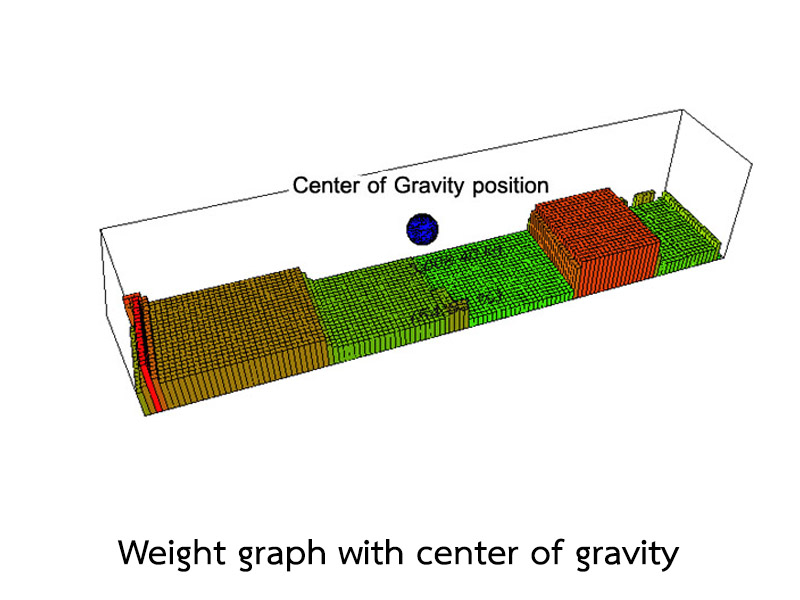
Real 3D weight graph with center of gravity position |

|
|
Real 360 degree rotation just click on load plan picture and drag your mouse to rorate 3D graph
and center of gravity position (blue ball).
|
|
| Top |
FILO (First In Last Out) loading style |

|
|
|
With FILO loading rule option, software load cargo in deep of container by place lower sequence number to inside of container.
|
|
| Top |
Real 3D load plan |
 |
|
Real 360 degree rotation just click on load plan picture and drag your mouse to rorate view.
|
|
| Top |
No overhang loading option |
 |
|
No overhang loading option to allow or not allow overhang cargo.
|
|
| Top |
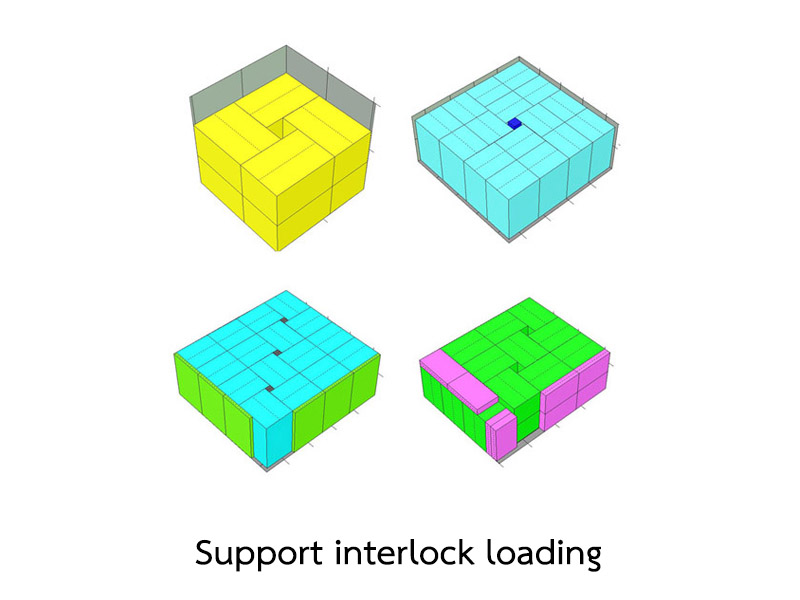
Support interlock loading |
 |
|
support interlock styles. It's give more load efficiency in some case.
|
|
| Top |
Edit loading output |
 |
|
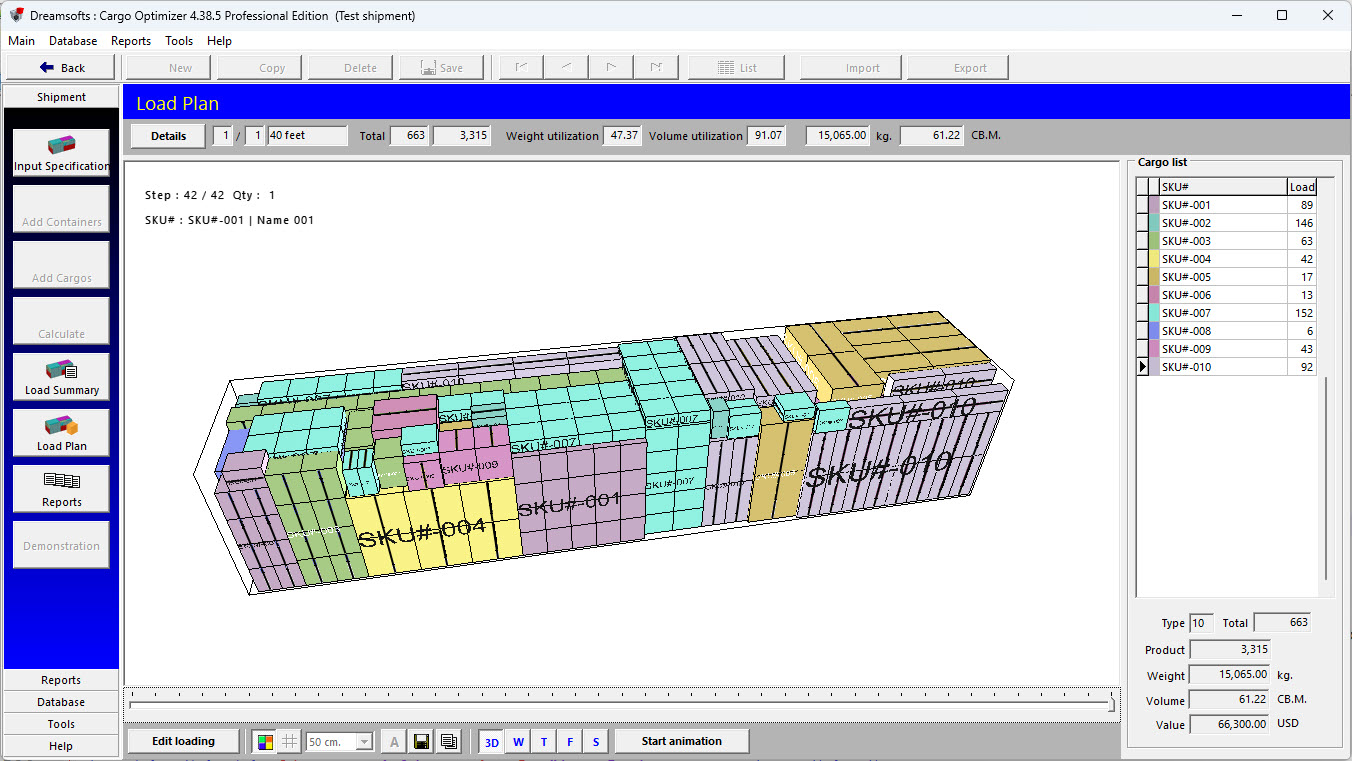
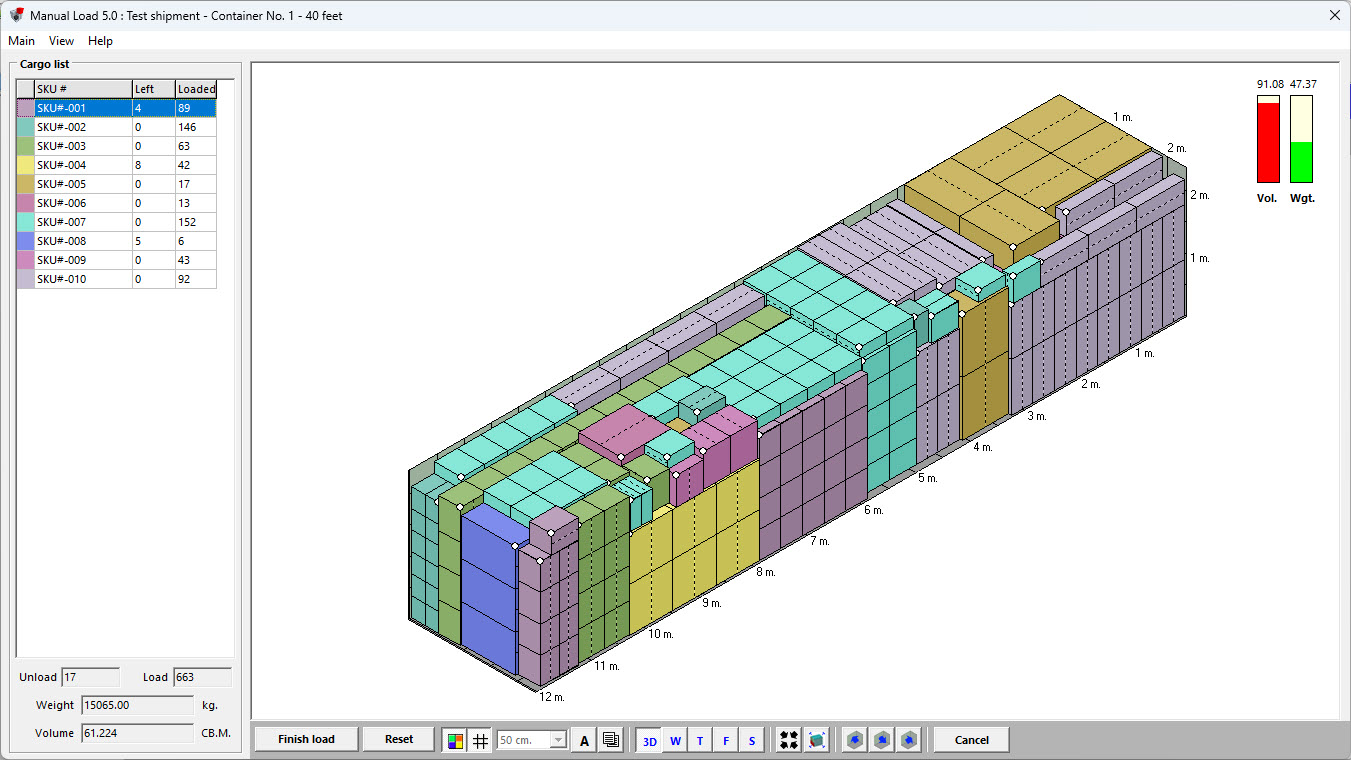
In Load Plan view you can click edit loading button to send current container to re-arrange in manual load module.
|
|
 |
|
| Top |
Find maximum quantity to full container |
Cargo Optimizer come with feature to calculate for maximum quantity for single cargo to full any containers.
With this function user can calculate for maximum quantity of cargo by enter quantity = 1 in Input Specification page.
Software will calculate for maximum number to full container.
|
|
 |
|
For sample, if we have cargo A, and want to calculate for maximum number to full 20' /40' / 40' HQ container. We just enter qty 1 for cargo A
|
|
 |
|
and Container list you enter 20' /40' / 40' HQ container
|
|
 |
|
On load option use Max quantity for group loading. Software will calculate for maximum set that can full container.
|
|
 |
|
After finish calculating, software will show quantity for full container for each container.
|
|
 |
|
 |
|
 |
|
| Top |
Max quantity for group loading |
Cargo Optimizer come with feature to calculate for maximum capacity for group cargo.
With this function user can calculate for maximum set for ?set product ? by enter only quantity per set in Input Specification page. Software will calculate for maximum set to full container.
|
|
 |
|
|
For sample, if we have cargo that separate box for each part likes this:
Table set:
Top 1 box per set
Leg 2 boxes per set
Chair 4 boxes per set
We just enter qty.
1
2
4
|
|
 |
|
And on load option use Max capacity for group loading . Software will calculate for maximum set that can full container
|
|
|
|
After finish calculating, software will show maximum set of cargo.
|
|
 |
|
| Top |
Weight distribution |
In Load Plan view you can click on W button to show weight distribution in container.
|
|
 |
|
|
number on each corner is weight on each. Bold number is weight on each side
|
|
| Top |
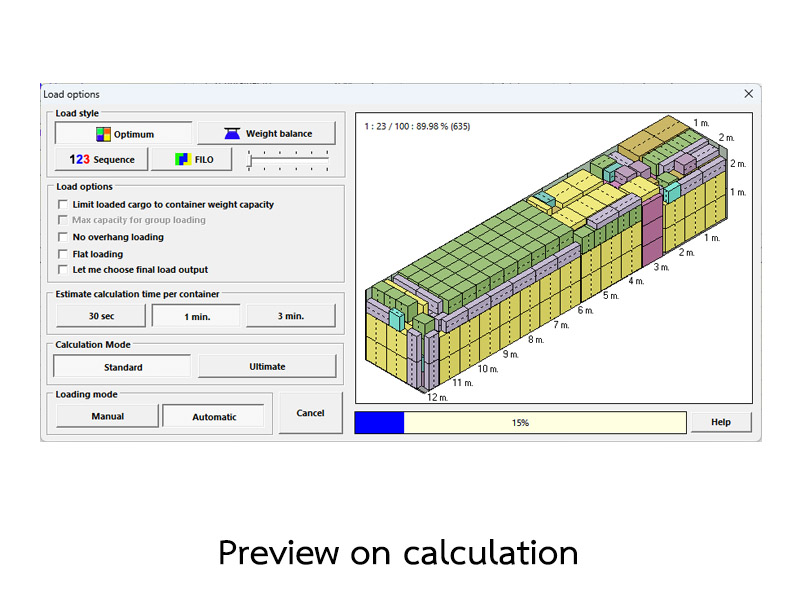
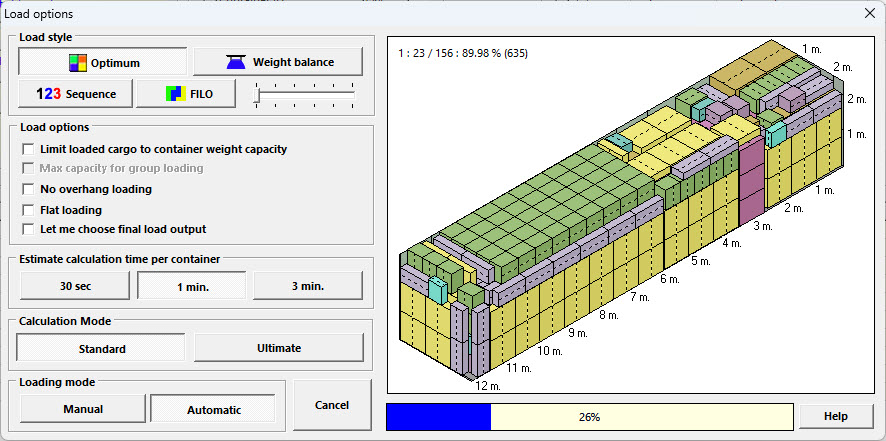
Preview on calculation |
 |
|
|
On calculation process, software will show you picture of maximum loading and efficiency.
It will change evertime software find more loading efficiency.
|
|
| Top |
Carton Designer (Design carton from product) |
 |
|
|
1. Use to design carton from one piece of product.
2. User can define dimensions and weight of product.
3. User can define number of product per carton and package layout.
4. User can rotate product to 6 orientations to choose the best style.
5. User can define thickness of paper for use to calculate carton size.
6. User can define package weight for use to calculate carton gross weight.
|
|
 |
|
|
7. User can define partitions (materials between products in carton) inside carton both internal partitions (product and product) and external partitions (products and carton).
8. User can save picture of design as picture file.
9. User can send carton details as new cargo in cargo database.
|
|
| Top |