Cargo Optimizer for Mac
Support to 20 cargo size per calculation
General information
1. Support 2 measurement unit system. Imperial (inch/lbs) and Metric (cm./kgs.) Choose your measurement unit on first start
2. Support to calculate Box > Pallet, Box > Container and Pallet > Container
Cargo Database
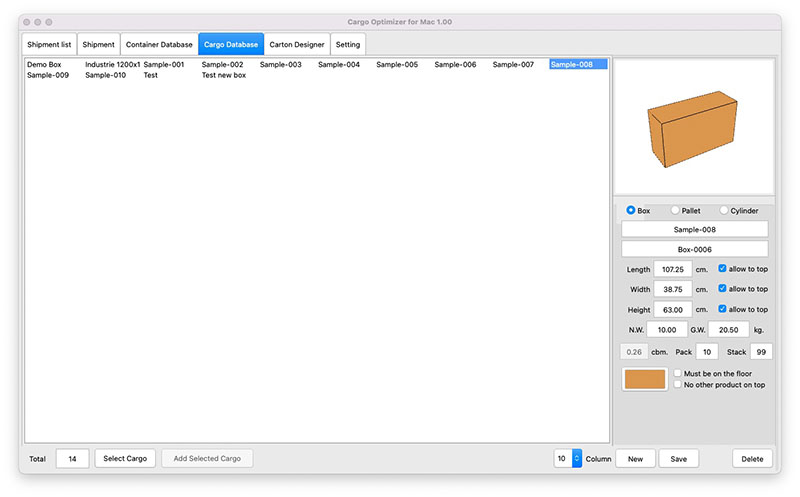
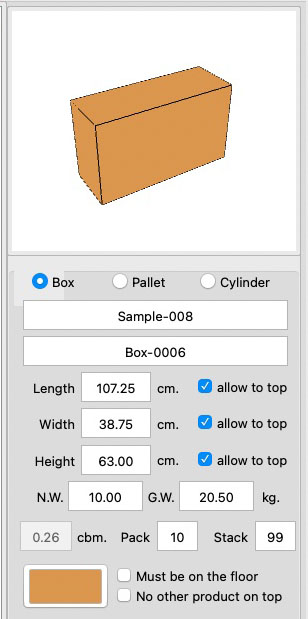
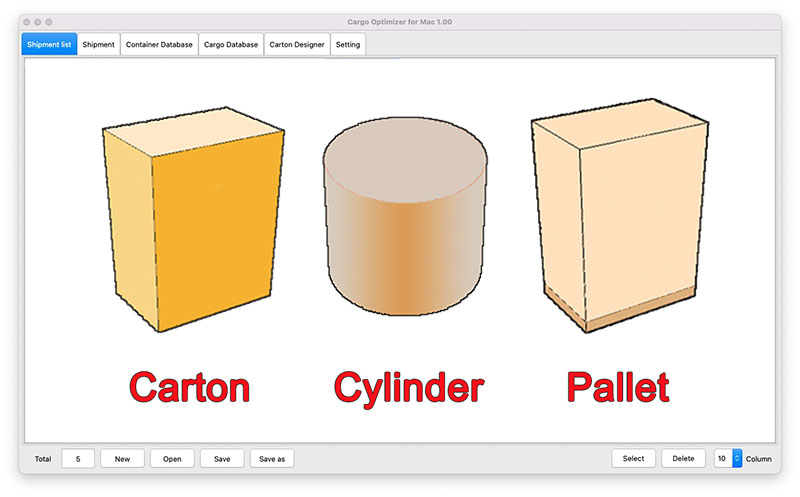
1. User define cargo type between box, pallet or cylinder
2. User define Cargo ID, Description
3. User define Net weight and Gross weight
4. User define pack (number of product per package)
5. User define max stack (maximum layer to place on themself)
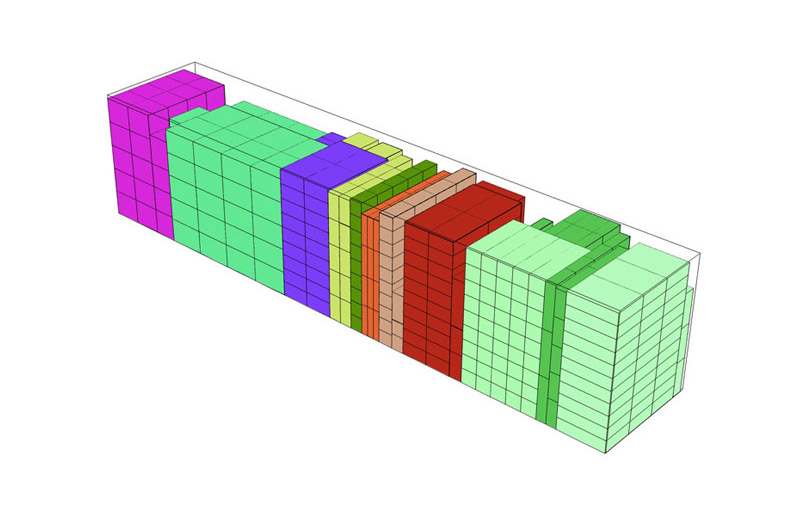
6. User define color of cargo (use for load plan view and report)
7. User define pallet height for pallet type
8. User define "Must be on the floor" option to allow/not allow
9.User define "No other product on top" option to allow/not allow
Container/Pallet database
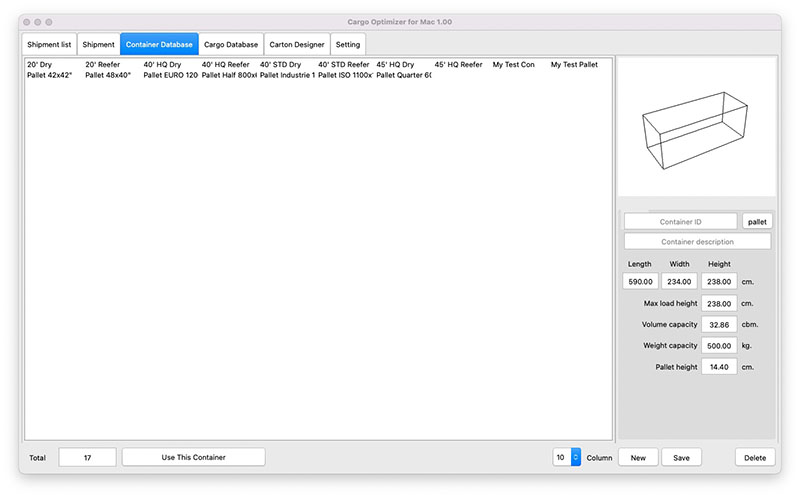
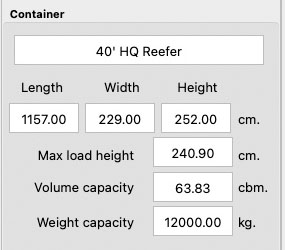
1. User define container type between Container or pallet
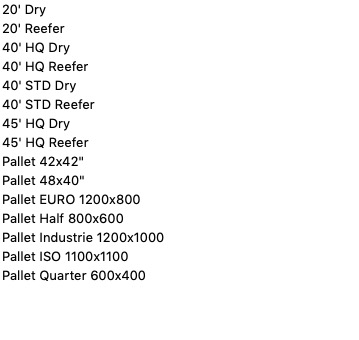
2. User can choose standard container/pallet type
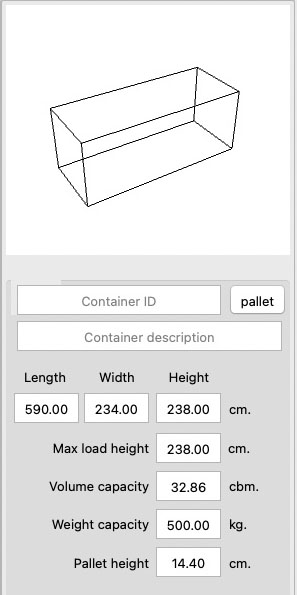
3. User define container/pallet details
4. User define container/pallet dimension.
5. User define "Max load height" (leave space from top)
6. User define maximum weight capatity
7. User define pallet height (thickness of pallet)
Input specification (Shipment)
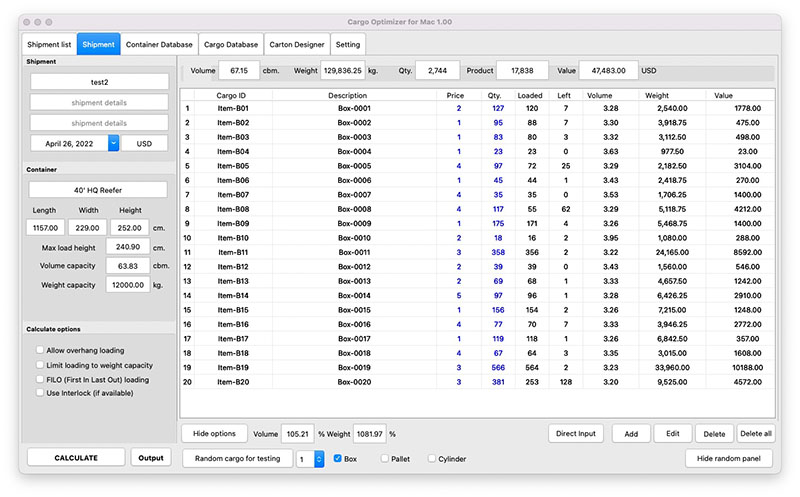
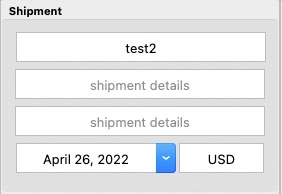
1. User define Shipment ID and details
2. User define shipment date
3. User define shipment currency
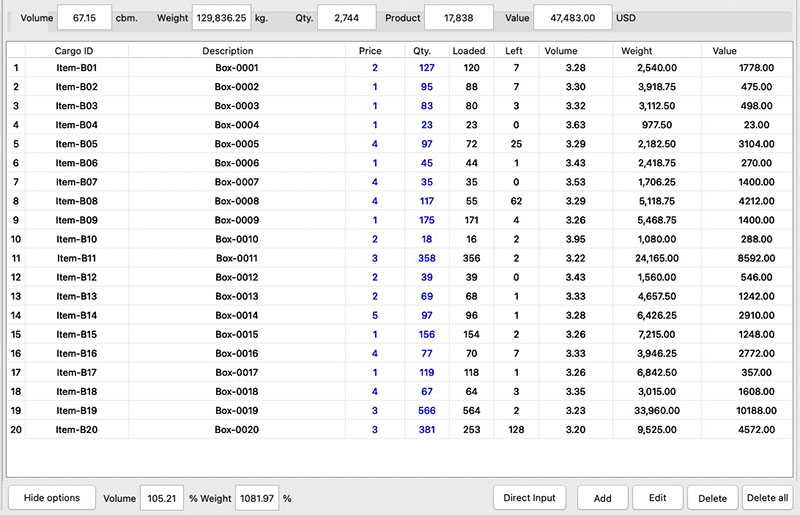
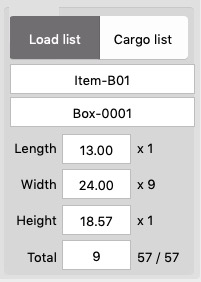
4. User can choose cargo from Cargo Database then enter quantity to load and unit price (price per product, not price per package)
5. Maximum size per calculation is 20 (Twenty)
Calculation
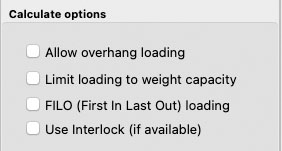
1. Over hang loading option
2. Support to Interlock/Pinwheel
3. Support to FILO (First In Last Out) style. Load from inside to outside.
4. Option to limit loaded cargo to not exceed conatiner weight capacity.
Load Plan
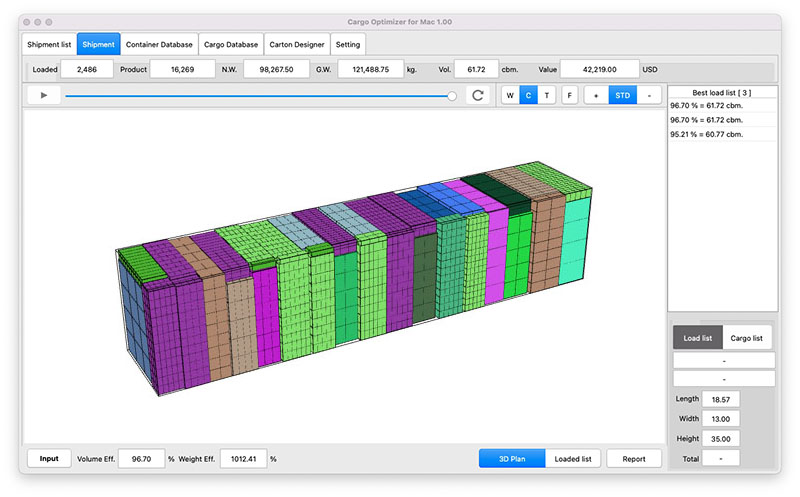
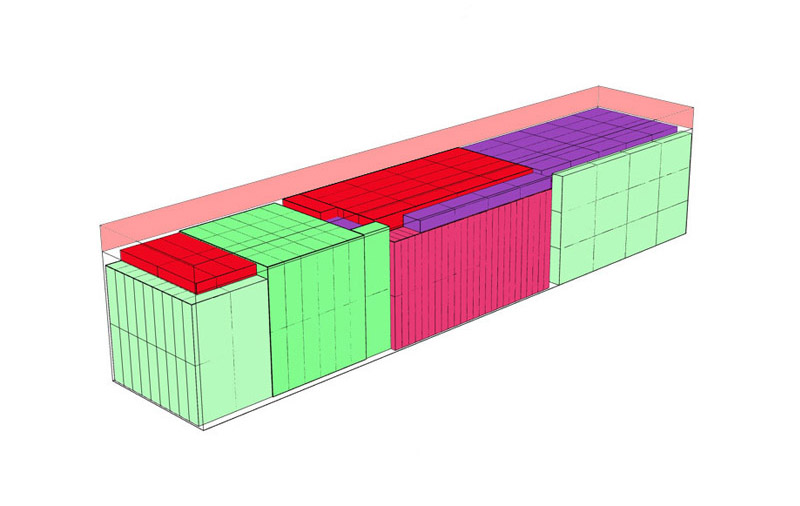
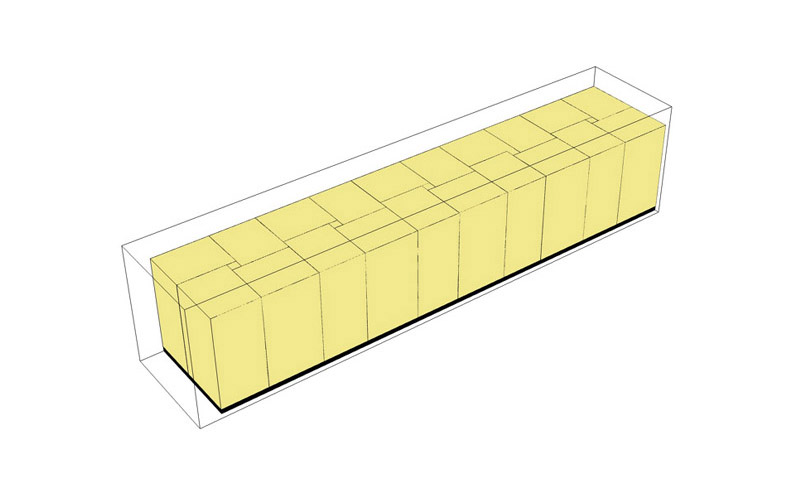
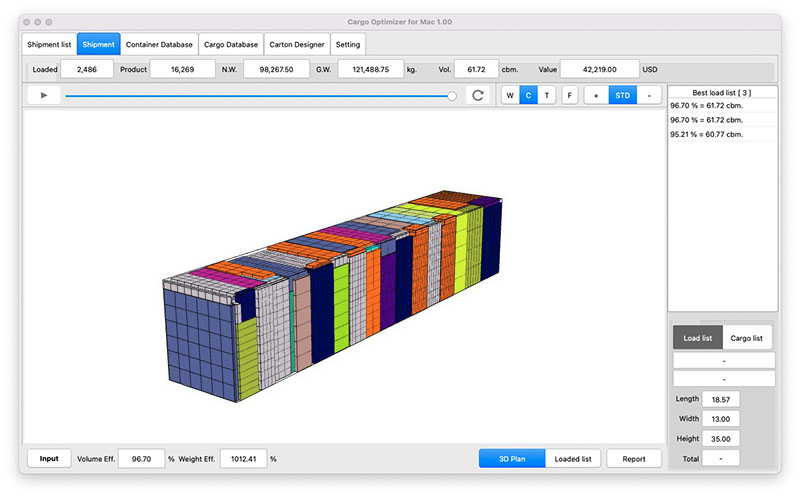
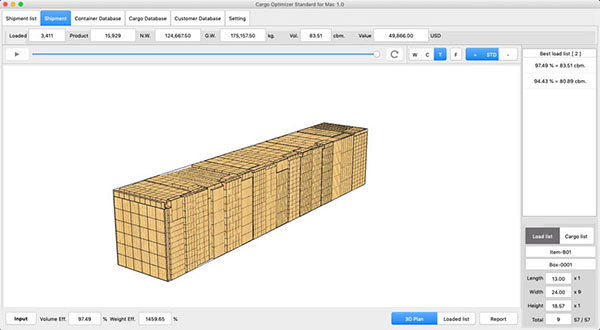
1. Show load plan in 3D view.
2. Option to display Color or Texture mode
3. Step loading control (automatic/manual)
4. 360 degree rotate view
5. Can choose other load style
Report
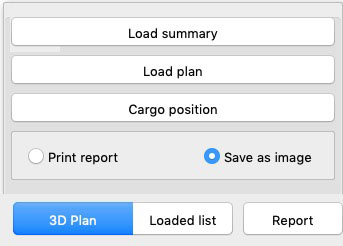
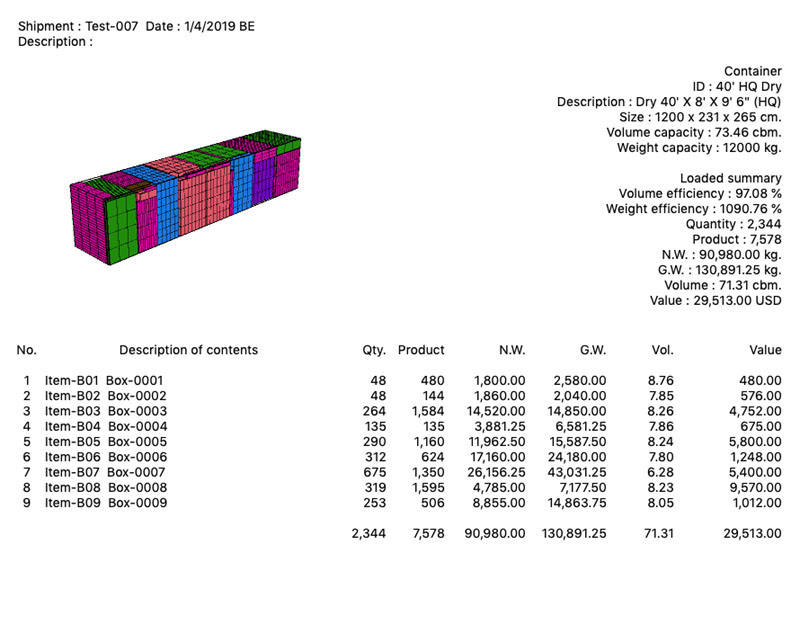
1.Many styles of report.
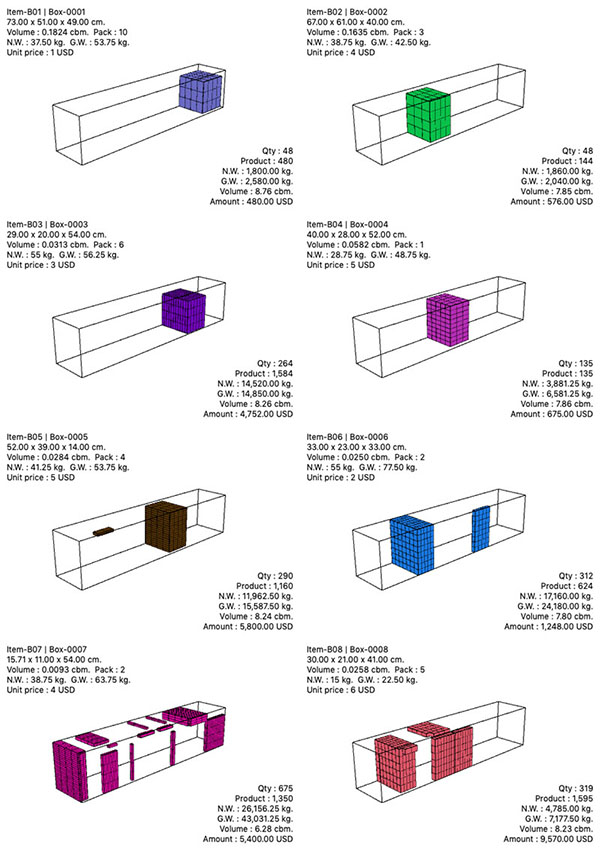
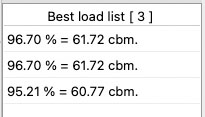
2. Load summary report
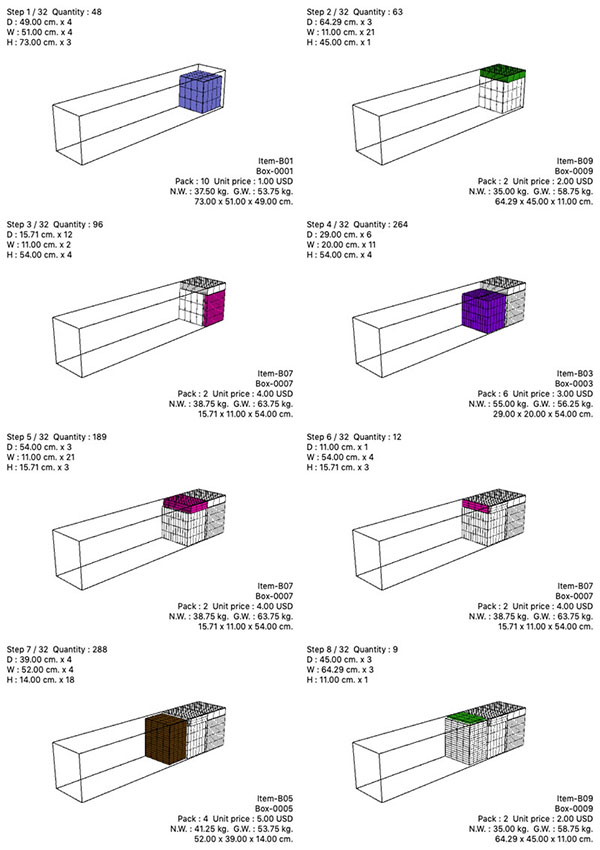
3. Load plan with 8 loading step per page
4. Cargo Position report